Live Sports Score Apps: How to Verify Alerts During a Busy Match Weekend
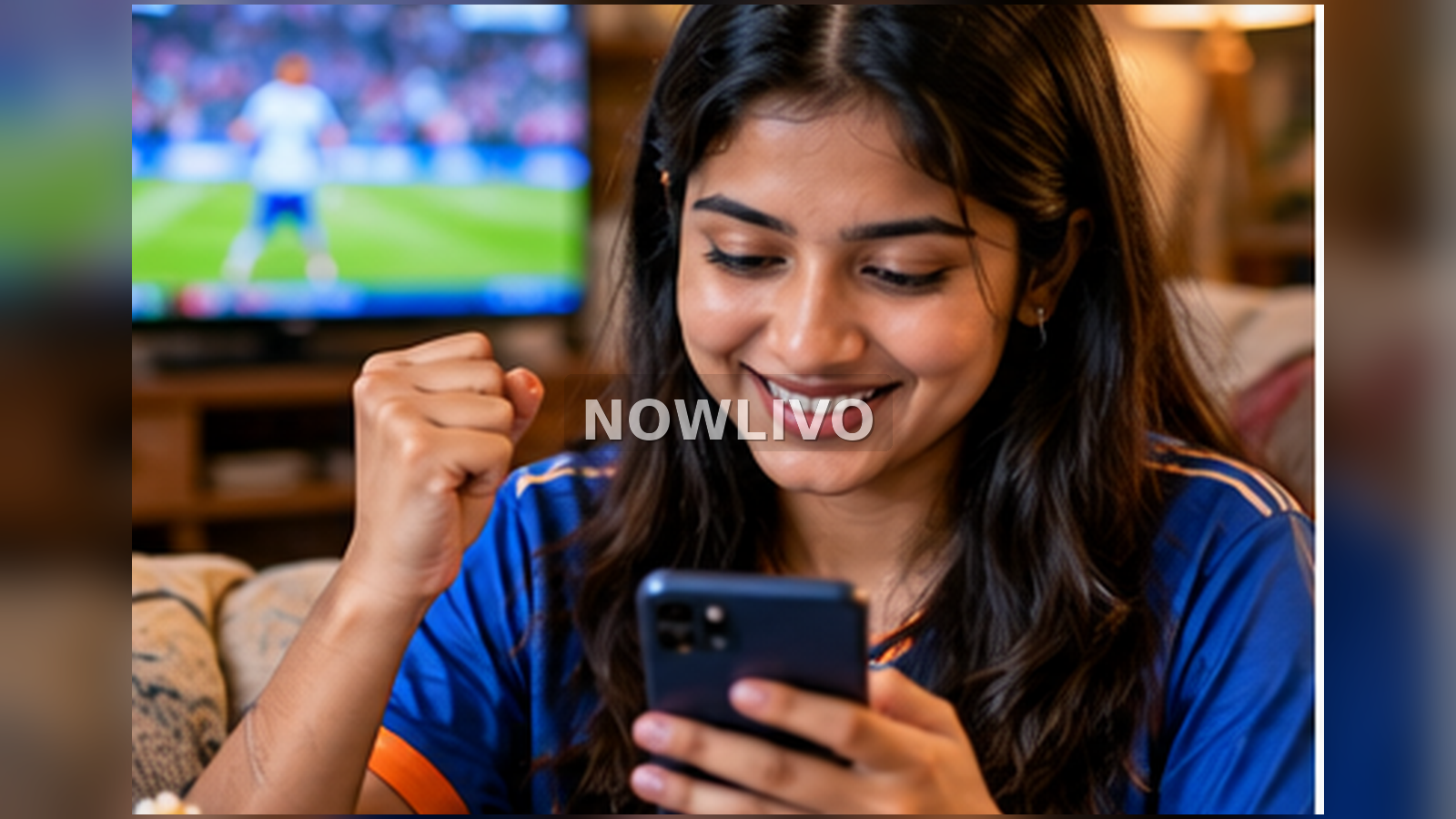
When a cricket innings or basketball final attracts huge searches, fans often rely on phone alerts before a full scorecard is posted. The safest approach is to check what the alert measures, which competition it belongs to and whether the match has actually ended. A notification is a prompt to investigate, not a certified match report.
Trend context: Related to IN: naman dhir; US: wnba finals. This is a researched explainer linked to the news cycle, not a claim that the exact article keyword appeared as a standalone Google Trends spike.
What is confirmed, and what still needs checking?
The first useful distinction is between what has been observed and what people are guessing from it. The research basis used for this article is: Google Trends IN/US past 24h; official competition sites. The distinction is important because readers may search for the same phrase after a confirmed announcement, a live fixture or a rumour, and those cases call for different wording.
Match identification matters
A team name or player surname may refer to different fixtures, especially when domestic and international competitions overlap. Open the fixture details and confirm opponent, venue, scheduled date and format before sharing a score. Cached widgets may still show a prior meeting while a new match is live.
What counts as an official result
A league or board scorecard with innings or quarter-by-quarter detail is stronger evidence than a lock-screen push message. Commentary apps can lead with an exciting play while corrections to a score or dismissal are still pending. Mark partial scores as live, not final.
Why refresh intervals change the story
Some services update ball by ball or possession by possession, while others refresh on a timetable. A difference of thirty seconds can be significant near the finish. Check timestamps and whether a score has been reviewed by officials before attributing a winner.
Notifications and personal data
An app asking for your contacts, microphone or unrestricted location should explain why a sports score needs those permissions. Most alerts only require notification permission and, if you choose, a favorite-team preference. Verify the app publisher and official store listing.
How to build a reliable match routine
Select a main official source, a second reputable source for context and a notification app for convenience. Keep the official match centre bookmarked so you can resolve disagreements quickly. Turn off redundant alerts after the fixture to prevent notification overload.
A practical checking sequence
For this Apps subject, begin with two concrete questions: what is known about match identification matters, and how does what counts as an official result affect the reader? The answers should come from a specific source, date and context, not from a search-result preview or a widely repeated claim.
- Match identification matters: A team name or player surname may refer to different fixtures, especially when domestic and international competitions overlap. Find the responsible primary record and confirm that it refers to the same date and subject.
- What counts as an official result: A league or board scorecard with innings or quarter-by-quarter detail is stronger evidence than a lock-screen push message. Check the event or product identifier before relying on a summary or screenshot.
- Why refresh intervals change the story: Some services update ball by ball or possession by possession, while others refresh on a timetable. Look for an update time and distinguish live information from a completed outcome.
- Notifications and personal data: An app asking for your contacts, microphone or unrestricted location should explain why a sports score needs those permissions. Compare related explanations without treating copied claims as independent confirmation.
- How to build a reliable match routine: Select a main official source, a second reputable source for context and a notification app for convenience. If the information affects a decision, verify the exact restriction, status or eligibility that applies.
A realistic example
A viewer sees a viral card claiming a player has hit the winning runs while the official scoreboard still shows two balls remaining. Instead of posting the card as fact, the viewer refreshes the official match centre, waits for its final label and shares the confirmed total with the competition and date.
The example matters for readers searching for live sports score app verification because it separates the detail that can be checked from the assumption that follows it. Anyone preparing an update on “Live Sports Score Apps: How to Verify Alerts During a Busy Match Weekend” should compare the original evidence with subsequent official information before describing a new outcome.
Questions readers are asking
What is the most important thing to establish? — match identification matters?
A team name or player surname may refer to different fixtures, especially when domestic and international competitions overlap. Open the fixture details and confirm opponent, venue, scheduled date and format before sharing a score. Cached widgets may still show a prior meeting while a new match is live. State the location and date whenever either could change the meaning of the answer.
Where does the likely misunderstanding arise? — what counts as an official result?
A league or board scorecard with innings or quarter-by-quarter detail is stronger evidence than a lock-screen push message. Commentary apps can lead with an exciting play while corrections to a score or dismissal are still pending. Mark partial scores as live, not final. A popular post can omit conditions that are visible in the original document or full footage.
Which source or record should be checked? — why refresh intervals change the story?
Some services update ball by ball or possession by possession, while others refresh on a timetable. A difference of thirty seconds can be significant near the finish. Check timestamps and whether a score has been reviewed by officials before attributing a winner. Search-result snippets may be out of date, so the originating organisation is the stronger reference.
How might circumstances change the answer? — notifications and personal data?
An app asking for your contacts, microphone or unrestricted location should explain why a sports score needs those permissions. Most alerts only require notification permission and, if you choose, a favorite-team preference. Verify the app publisher and official store listing. Check later notices before acting: a live situation can change after the first report.
What should I avoid claiming without more evidence? — how to build a reliable match routine?
Select a main official source, a second reputable source for context and a notification app for convenience. Keep the official match centre bookmarked so you can resolve disagreements quickly. Turn off redundant alerts after the fixture to prevent notification overload. Do not infer a result, price, official decision or public consensus from a search count alone.
The bottom line
The fast answer is to use alerts for awareness and an official, timestamped match centre for confirmation. A search spike does not itself confirm what happened on the field. Readers returning to this topic should first look for an updated official record or an on-the-record statement, then compare it with the information available when this article was prepared. Dates, match results, service availability and public warnings can change quickly, even if the original Google Trends query has already stopped rising.
Verification note: “Live Sports Score Apps: How to Verify Alerts During a Busy Match Weekend” draws on the stated search context and related original sources. Its reader example is illustrative; it is not an additional newly witnessed event. Where a trend is only related, the article does not assert that the exact keyword was a confirmed Google Trends breakout.