Adobe Premiere Arrives on Android With Free 4K Export and No Watermark
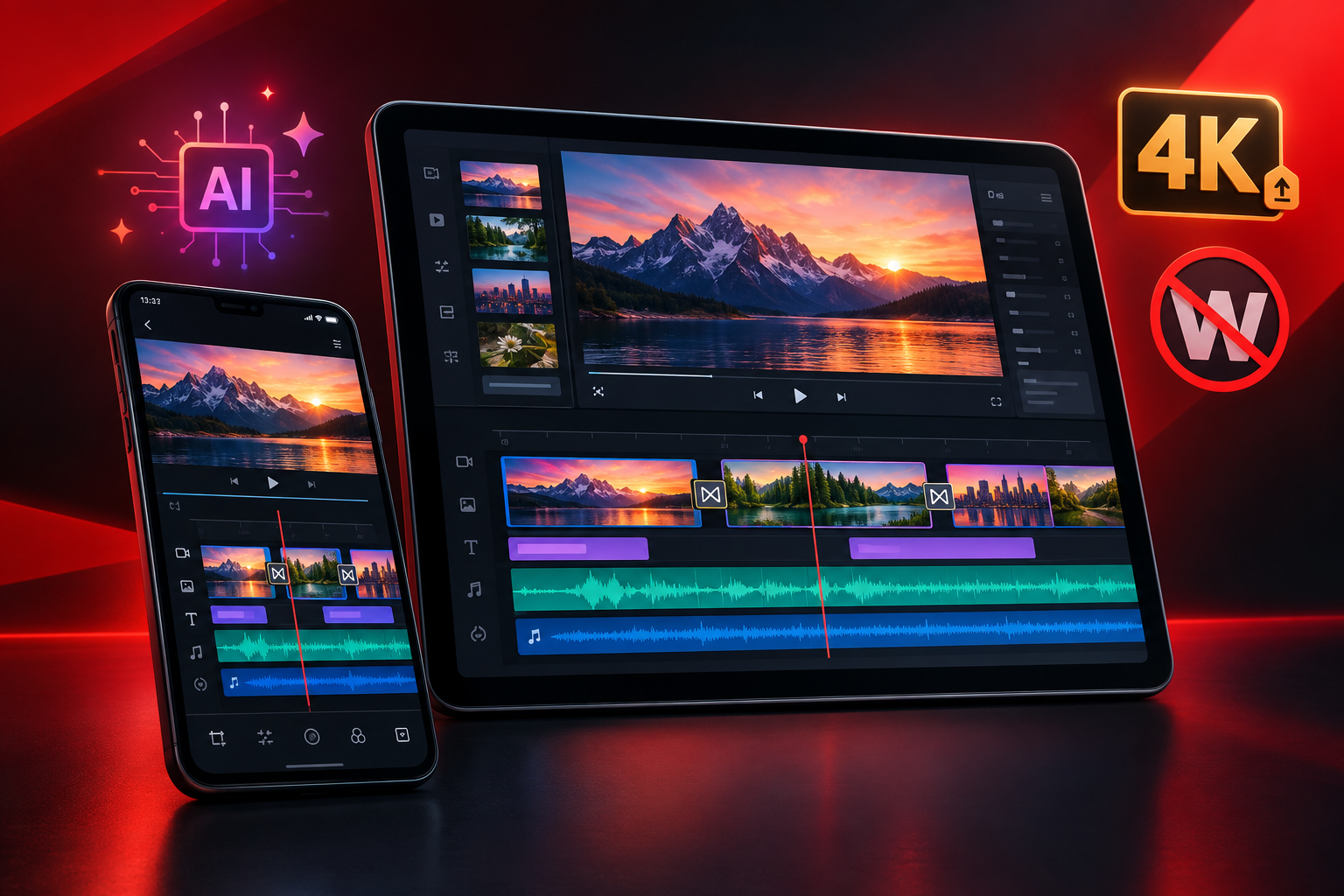
Adobe has launched its Premiere mobile video editor on Android, extending an app that debuted on iPhone in 2025 to a much larger group of mobile creators. Adobe announced the Android release in the United States on September 22, 2026, followed by a localized announcement dated September 24.
The new app is positioned as a free, dedicated video editor for social videos, vlogs, tutorials, podcast clips and other projects created primarily on a phone or tablet. Its strongest practical benefit is straightforward: compatible users can edit and export videos at up to 4K resolution without a watermark, forced subscription or advertising.
Availability and device requirements
Premiere mobile for Android is available through Google Play in more than 150 countries. It supports Android phones and tablets running Android 13 or later with at least 5GB of RAM.
The phone interface is designed for portrait orientation, while tablets support both portrait and landscape use. Local editing can be done without a continuous connection, but Adobe recommends at least a 4G connection for its online asset libraries, generative AI features and other cloud-based functions.
The requirements mean owners of older or entry-level Android devices may not be able to install the app, even if those devices can run competing editors.
What is included for free?
Adobe says the essential editing workflow is free. Users can start a project, save it locally and export finished videos without creating an Adobe account. The free experience includes:
- A multi-track timeline for layering video, audio, text and graphics
- Editing and export at resolutions up to 4K
- Clip trimming, splitting and rearrangement
- Effects, transitions, titles, music and voiceovers
- Audio extraction from existing media
- Creator-made templates that can be customized
- Enhance Audio for cleaning up dialogue and reducing distracting noise
- Watermark-free exports with no advertisements
Adobe also describes 4K exporting as unlimited in the free version, rather than a limited trial that later requires payment.
When sign-in or payment is required
An Adobe account is not required for ordinary local editing or export. Signing in is necessary to unlock certain connected features, including free music from Adobe Stock and access to Firefly-powered generative AI tools.
The app does not require a Premiere desktop subscription for its core mobile tools. Adobe plans to make money from optional additional cloud storage and Firefly generative credits. Those credits can be purchased through an upgrade or supplied through an eligible Creative Cloud plan.
In other words, users can assemble and export a conventional 4K project without paying, but frequent use of generative features may create an additional cost.
AI tools and editing workflow
Premiere combines assistive AI with generative features. Enhance Audio is intended to make recorded speech clearer, while Firefly tools can create or modify assets through features such as Generative Fill, image-to-video generation and generated sound effects.
A typical project begins by importing clips and images from the device gallery, local storage or a files app. Media stored with services such as Google Drive, Dropbox or OneDrive can also be accessed through their Android integrations. Editors can then place material on the multi-track timeline, trim or split clips, add voiceovers and music, apply transitions and effects, and export the finished video.
Adobe is also promising additional capabilities after launch, including more caption tools, Adobe Fonts, cropping, keyframes, beat detection and the ability to continue an Android project in Premiere on desktop. Creators should therefore check the app before assuming those planned functions are already available in the launch build.
How it compares with CapCut, VN and InShot
Premiere enters an established Android market led by editors such as CapCut, VN and InShot. CapCut remains particularly strong in trend-focused templates, rapid social publishing and a broad collection of automated and generative tools. However, its mix of free and premium features can vary by tool, platform and device, while 4K availability may depend on hardware and app configuration.
VN and InShot both advertise exports up to 4K at 60 frames per second and offer accessible tools for short-form content. They also use advertising and in-app purchases, whereas Adobe is emphasizing a distraction-free interface, no watermark and free core editing.
Premiere’s main advantage is not that it introduces multi-track mobile editing or 4K export for the first time. Its appeal is the combination of those features without ads or mandatory branding, plus integration with Adobe’s wider creative ecosystem. Its main limitations are the relatively demanding Android requirements, paid generative usage beyond included credits and several important workflow features still listed as forthcoming.
For creators with a compatible device, the Android release is nevertheless a substantial free option—especially for anyone who wants clean 4K output without committing to a subscription before beginning a project.