Truecaller’s Scam Checker Can Flag a Risky Link — but ‘Safe’ Is Not a Guarantee
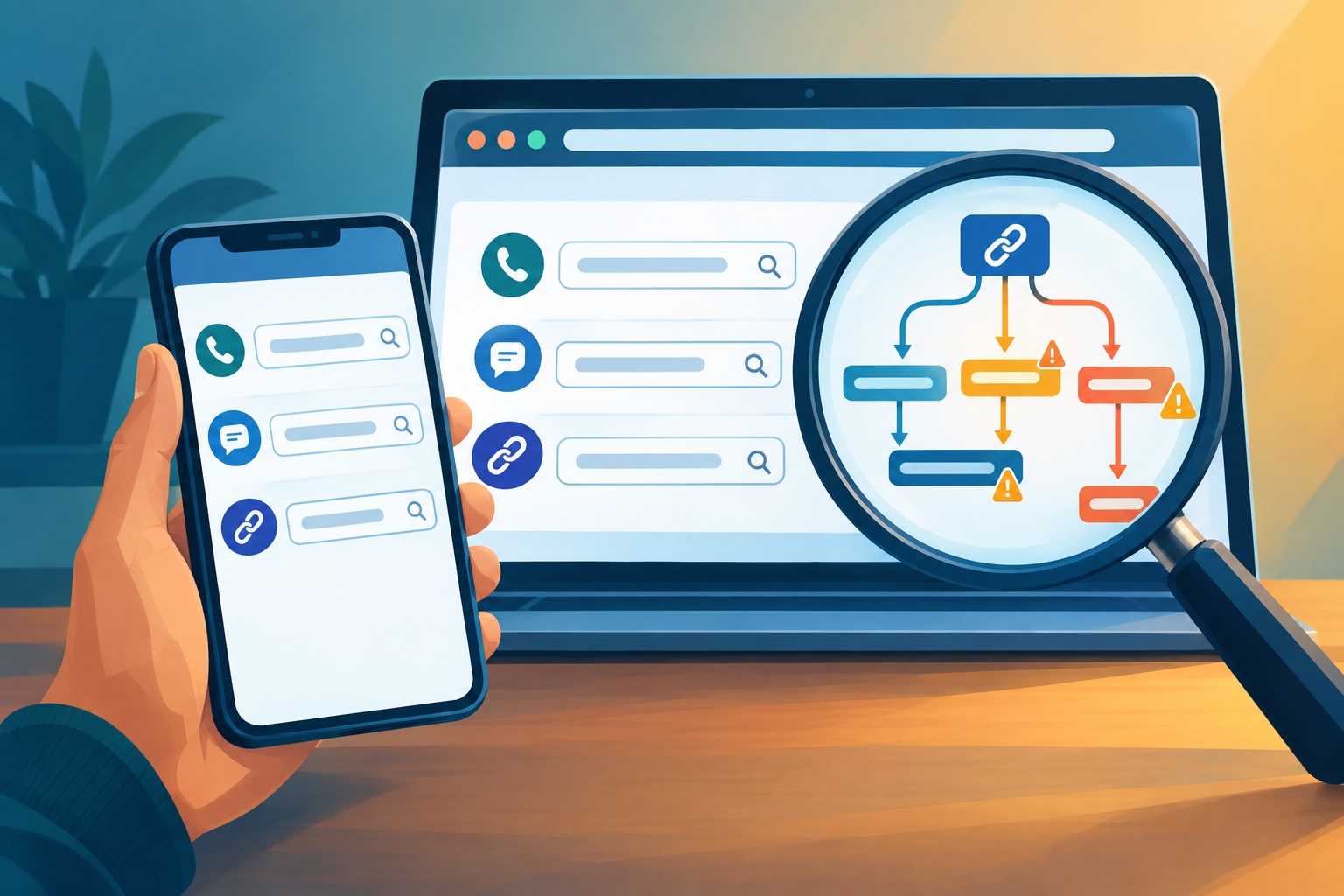
A message says your parcel is delayed. Another claims your bank account needs urgent attention. Before following the link or calling the number, Truecaller’s new Scam Checker offers a quick way to look for warning signs. The service is rolling out first in India and is available through the web and on Android.

For a basic check, users do not need to install the Truecaller app or sign in. They can enter a suspicious phone number or web link and see a result such as “Safe” or “Potential Fraud,” alongside relevant posts from Truecaller users when available. They can also search for a type of scam to read about similar experiences. The important distinction is that the result is a risk signal, not an identity check or a promise that a message is genuine.
What happens when you check something?
Scam Checker draws on Truecaller’s fraud information and reports shared through its community feed, ScamFeed. A search may bring up posts about the same or a similar number, link or scam tactic. Those accounts can help a reader recognise a pattern, though an individual post is not, by itself, proof that a particular caller or website is fraudulent.
For links, the tool examines the address rather than asking users to open it first. Truecaller says its link-checking process can follow redirects from a shortened address to its final destination and consider fraud reports and other risk signals. That matters because the address visible in a message may not be the site it eventually opens.
Users can also paste the text of a suspicious message. The checker can identify a phone number or link in that text and look for related information. That is useful for messages arriving through SMS or a chat app, but it should not be confused with a complete verification of everything the sender claims. A message can be deceptive even if its wording, number or link does not produce a warning.
What the free check does not tell you
Scam Checker’s no-sign-in result does not provide all the details available through Truecaller’s existing phone lookup. To see additional information about a number, including the name associated with it, users need the Truecaller app and an account sign-in. App features such as caller identification and ongoing call or message protection are separate from making a one-off web check.
There are limits to any result based partly on known signals and community reports. A newly used number or site may have little history. A familiar-looking address may lead somewhere unexpected, and a reported name does not establish who is actually contacting you. Even a “Safe” result means only that the checker has not flagged a risk through that search; it is not clearance to share a password, approve a payment or trust a stranger.
The reverse caution also matters. A “Potential Fraud” label or a community post is a reason to pause and investigate, not a final finding about the person or business associated with a number. Check the underlying message and verify any important claim independently.
A safer way to use the result
- Stop before tapping. If a message creates urgency about a delivery, fine, account or payment, copy the number or link for a check without opening the link.
- Keep sensitive details out of the search. If you paste a message, remove passwords, one-time codes and personal or financial information that is not needed to assess it.
- Verify through a separate channel. Open your bank’s or service provider’s app yourself, or use a contact number you already know or find independently. Do not rely on the contact details supplied in the suspicious message.
- Treat unexpected requests as a warning. Do not share a one-time passcode, install software at a caller’s direction or send money simply because a check returned “Safe.”
- Act quickly if you already responded. If you entered account details or authorised a payment, contact the relevant bank or service through its official channel and secure the affected account.
Scam Checker’s main benefit is a convenient pause before a click or callback. Use its result to inform your next step, then confirm the request with the organisation involved before you disclose information or pay.