YouTube Automatic Dubbing: Why a Video May Not Get Translated
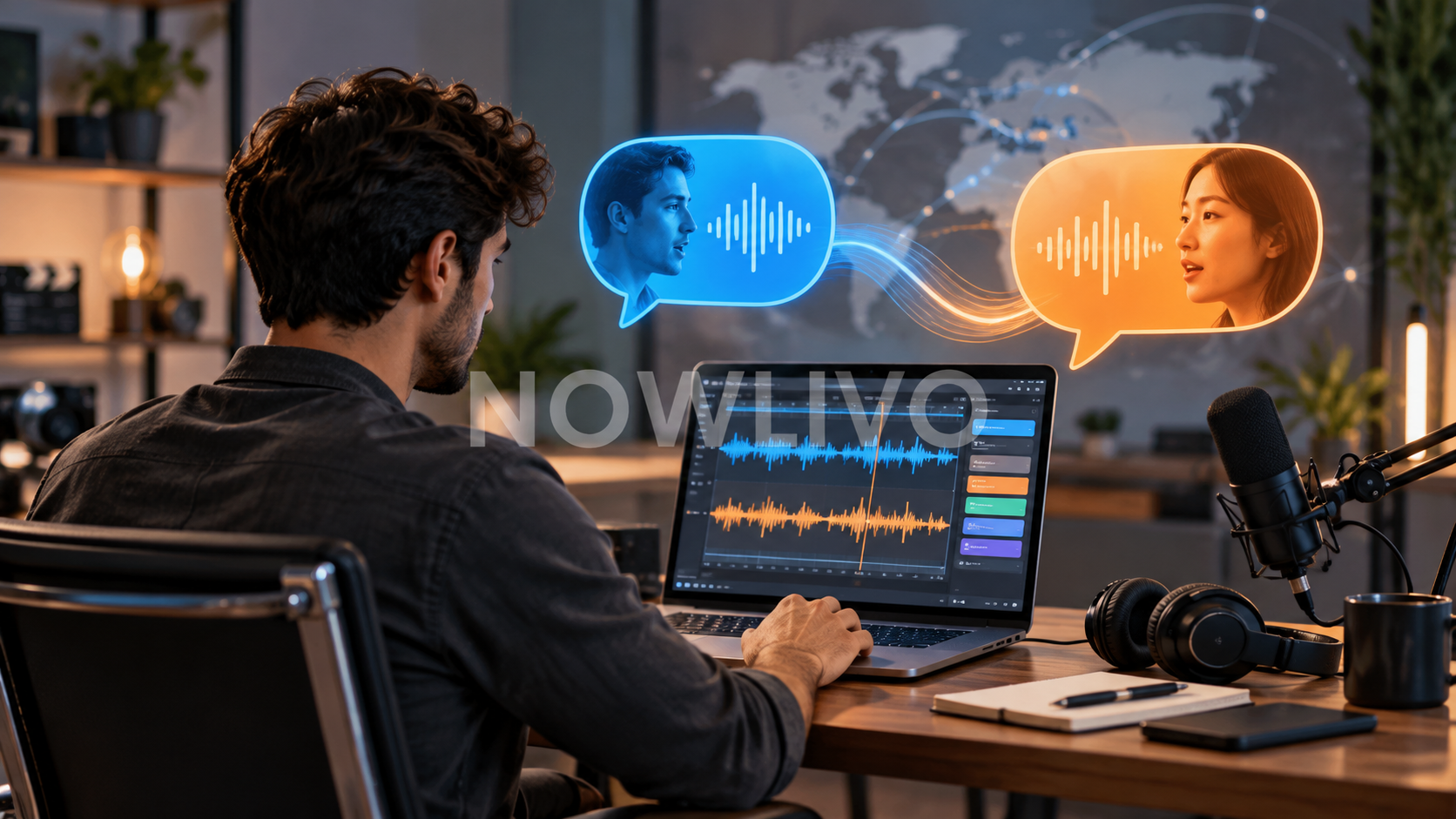
A YouTube video may not receive an automatic dub even when the channel has the feature. Eligibility is checked at the video level too. Unsupported speech, an incorrectly identified language, little dialogue or other limits can prevent a translated audio track. Check the feature and the original language before repeatedly uploading the same video.
First confirm the channel has the feature
Automatic dubbing is available to eligible channels, with some access and language features introduced gradually. In YouTube Studio, inspect the channel’s advanced settings and the video’s Languages area for the controls available to your account.
A tutorial showing a button is not proof that every channel has that button. Keep a record of what your own Studio interface actually offers.
The original language matters
Set the video’s original language correctly. Automatic dubbing needs to understand the source speech before translating it, and supported language combinations can change.
For a bilingual interview, review the resulting tracks carefully rather than assuming one source-language label captures every speaker. A usable dub depends on what is actually said.
Some videos are unsuitable for automatic dubbing
YouTube lists several reasons a video may be ineligible: it is longer than 120 minutes, has little or no speech, has speech too fast to dub, uses an unsupported source language, or has relevant copyright restrictions.
A music performance and a clear spoken tutorial therefore present different opportunities. Adding a language label cannot turn a largely speech-free video into a spoken translation.
Review meaning before publishing a dub
Check names, numbers, instructions and changes of speaker. For a tutorial, compare the translated audio with the action on screen. A translation that changes a measurement or omits a warning can make the lesson confusing.
YouTube does not let you edit an automatic dub directly. Use the available review, publication and removal controls, or provide an appropriate alternative audio workflow where supported.
Subtitles can still serve viewers
Translated audio and subtitles solve related but separate access needs. If a dub is unavailable or unsatisfactory, a carefully checked subtitle track can still help viewers follow the video.
Test the finished experience as a viewer: select the track, listen through an important section and confirm the displayed language. Treat successful generation as the beginning of review, rather than the end of publishing.
Quick check
- Check feature availability in Studio.
- Set the correct original language.
- Review important details in the translated track.
Read next: choosing video captions and subtitles.