Galaxy S24 One UI 9 Update in India: What Is Rolling Out and What to Check Before Installing
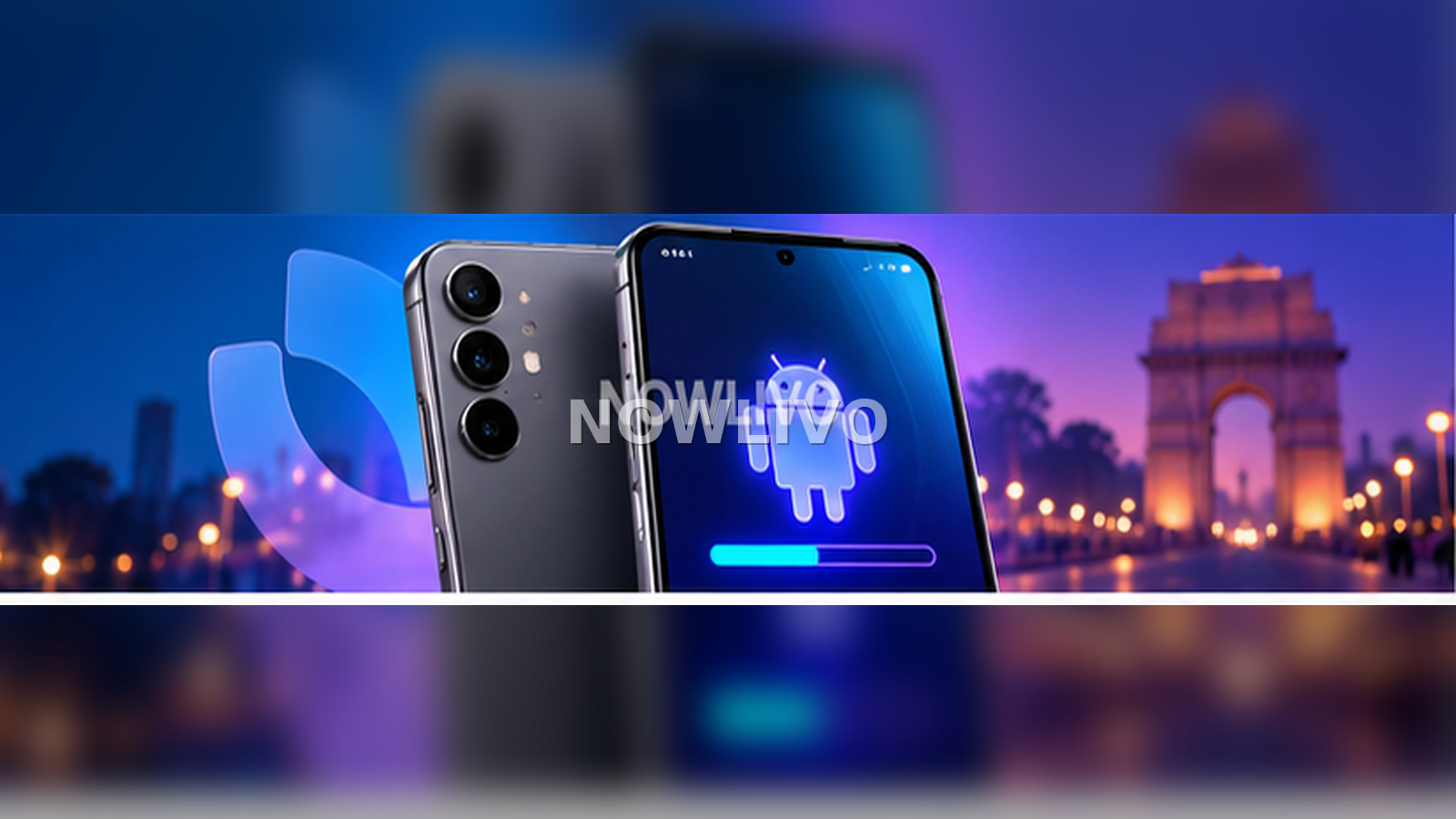
Samsung’s One UI 9 rollout is expanding beyond its newest Galaxy models, and Galaxy S24-series users are now among the people looking for the stable Android 17-based update. Availability can still vary by country, carrier, model and rollout wave, so two S24 owners may not receive the update on the same day.
How to check for One UI 9 on a Galaxy S24
- Open Settings.
- Tap Software update.
- Choose Download and install.
- Read the version information before starting the download.
If no update appears, it usually means the staged rollout has not reached that device yet. Repeatedly changing regions or installing an unofficial package is unnecessary for most users.
What One UI 9 is designed to change
Samsung’s official One UI 9 rollout focuses on a more integrated Galaxy experience and expanded AI-assisted features. Major Android upgrades also typically include interface changes, privacy controls, updated system apps and behind-the-scenes performance work.
The exact feature set can differ by model. A feature shown on a newer Galaxy S-series phone may not be enabled on every older device even when both run the same One UI version.
What to do before installing
- Back up important data. A normal update should preserve files, but a current backup is still sensible.
- Charge the phone. Avoid beginning a large system update on a nearly empty battery.
- Use stable Wi-Fi. Major packages can be large.
- Keep free storage available. The phone needs room to download and unpack the update.
- Update important apps. Banking, work and authentication apps may need their latest versions after a major Android change.
Should you install immediately?
Most users can install a stable update once it is officially offered to their device. If the phone is critical for work, travel or authentication, waiting a short period can give app developers time to resolve any early compatibility issues. That does not mean a stable update is unsafe; it is simply a practical choice for users who cannot tolerate temporary app problems.
Why the update may not appear yet
| Possible reason | What it means |
|---|---|
| Staged rollout | Your model or region may be in a later wave. |
| Carrier approval | Some variants need extra testing before release. |
| Model difference | S24, S24+ and S24 Ultra can receive separate firmware builds. |
| Temporary pause | Manufacturers can slow an update if an issue is detected. |
After the update
Give the phone time to finish background optimisation. Battery use can look unusual immediately after a major update because apps are re-indexing, syncing and rebuilding caches. If a problem continues for several days, update apps, restart the phone and check Samsung’s support guidance before considering more disruptive steps.
For more device and software explainers, browse NOWLIVO’s Tech section.