Nothing OS 5.0 in India: Which Phones Get Android 17 and When the Rollout Reaches Them
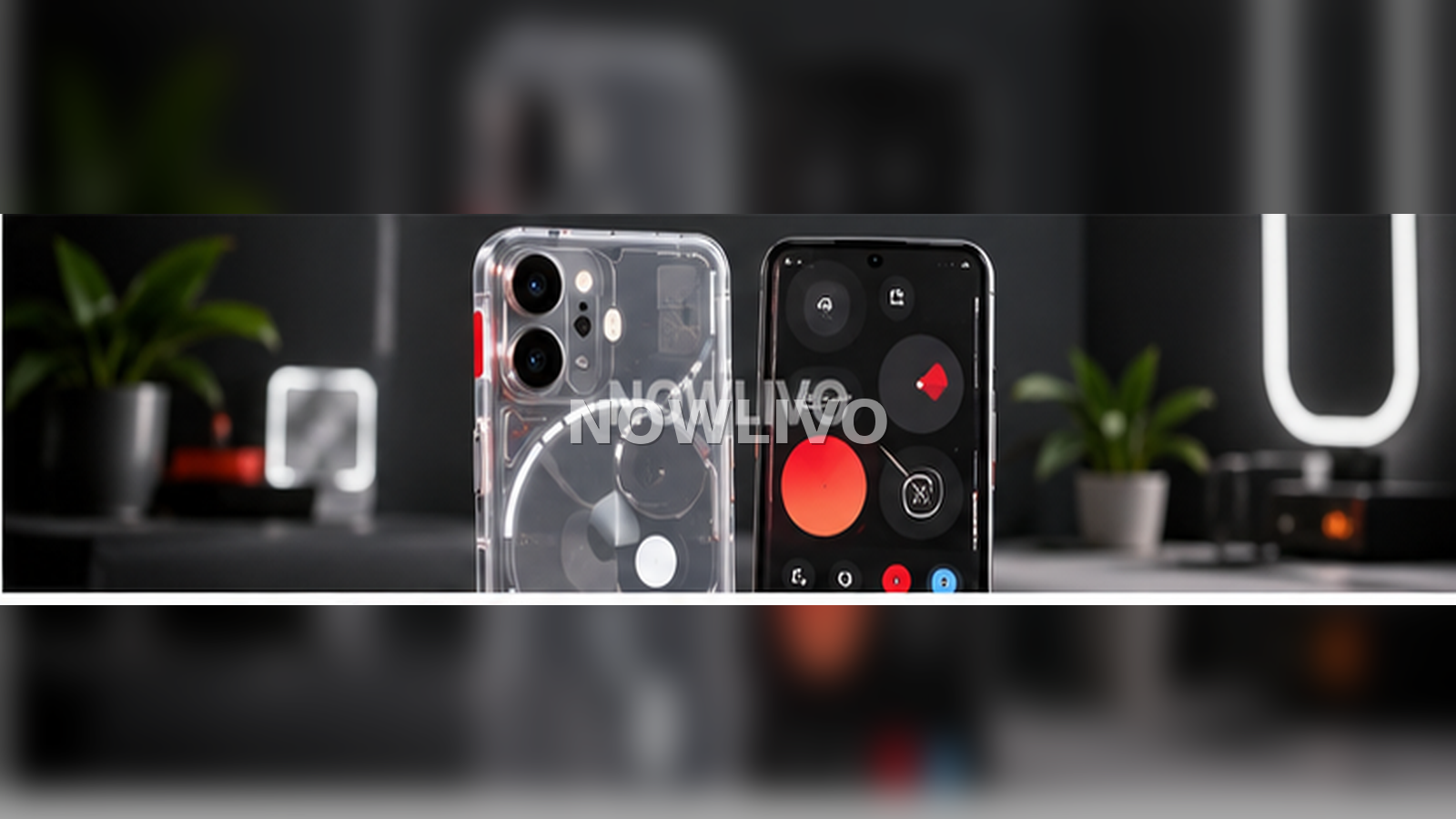
Nothing OS 5.0 is the company’s Android 17 update, with a phased rollout that starts with Phone (3) and reaches other supported models later. Indian users should expect timing to vary because Nothing says general releases can be phased by region and carrier.
Official Nothing OS 5.0 rollout timeline
| Model | General-release target |
|---|---|
| Phone (3) | Mid October |
| Phone (4a) Pro | Early November |
| Phone (4a) | Early November |
| Phone (3a) Pro | Early November |
| Phone (3a) | Early November |
| Phone (2a) | Mid November |
| Phone (2a) Plus | Mid November |
| Phone (3a) Lite | Late December |
| Phone (4b) | Mid January |
| CMF Phone 2 Pro | Mid January |
Nothing notes that these timings are indicative and can change.
Which older phones do not get Nothing OS 5.0?
Nothing says Phone (1), Phone (2) and CMF Phone 1 have reached the end of major software support and will not receive Nothing OS 5.0. That matters for owners who see Android 17 features discussed online but do not find an update on their own device.
What is new in Nothing OS 5.0?
- Refreshed home-screen styling with wallpaper-aware colours and tinted icons
- New clock-face options and broader visual refinements
- Redesigned Bluetooth controls in Quick Settings
- Improved memory management and smoother app switching
- Android 17 privacy indicators and permission changes
- Separate Notifications and Quick Settings option
- Expanded Essential Space and Essential AI tools on supported hardware
What arrives separately?
Not every announced feature is tied to the main operating-system package. Nothing says some Essential Space changes will arrive through Google Play, while other features continue to roll out on their own schedule. That means two phones on the same Nothing OS version can still show slightly different features for a period of time.
How to prepare for the update
- Install the latest stable update already offered to your phone.
- Back up photos, messages and other important data.
- Free enough storage for the system package and temporary files.
- Keep the phone charged and use reliable Wi-Fi.
- After installing, update apps from the Play Store.
Should beta users do anything different?
If you joined Nothing’s open beta, follow the company’s Beta Hub instructions rather than downloading random firmware files from forums. Nothing warns that a rollback to stable software can erase data, so a backup is important before changing tracks.
For more software and smartphone coverage, see NOWLIVO’s Tech section.