Apple Pay launches in India: Which cards and devices work?
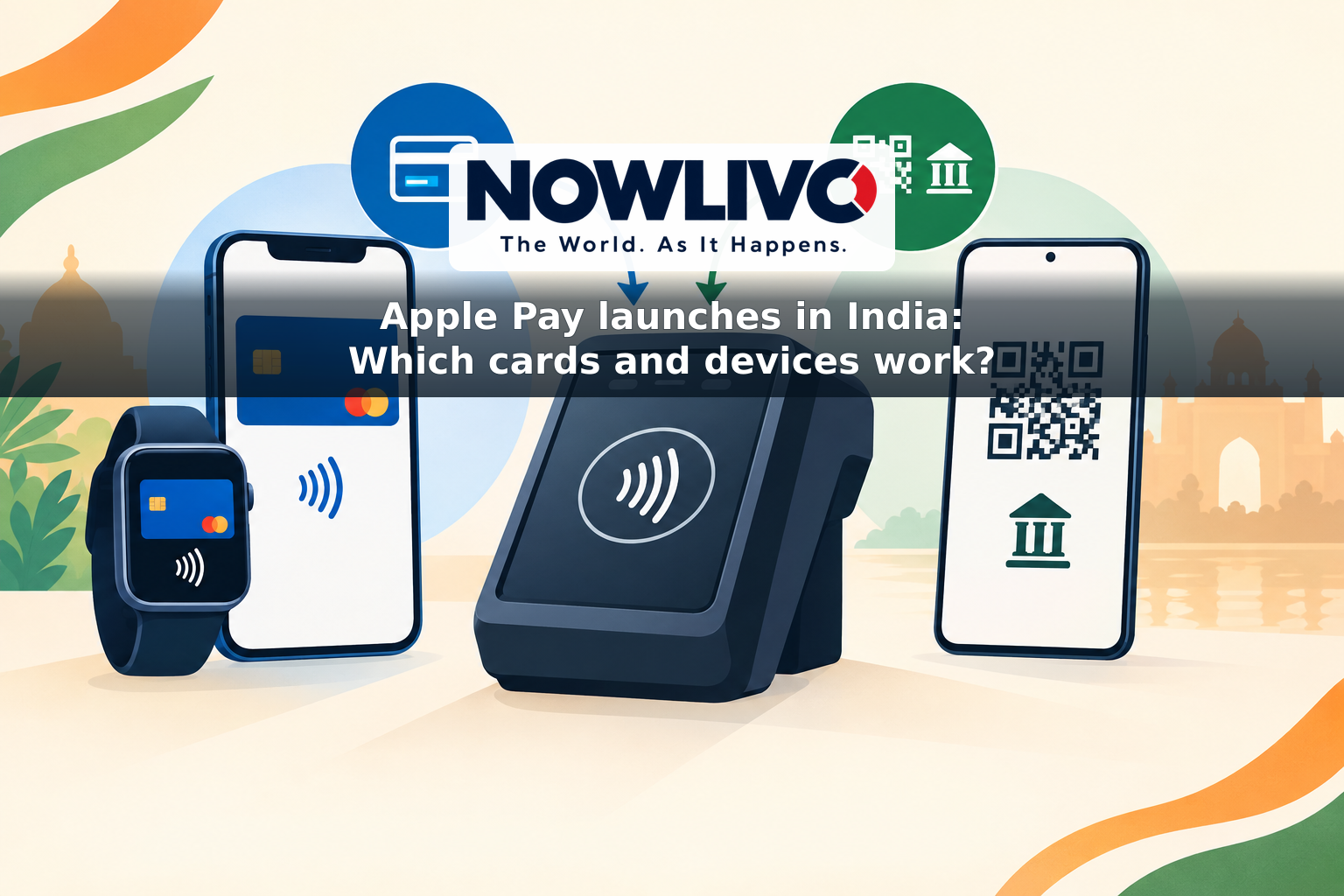
Apple Pay launched in India on September 30, 2026, giving eligible Axis Bank credit card holders a way to pay with an iPhone or Apple Watch at contactless readers and check out in participating apps and websites. The starting lineup is narrow: Apple lists Axis Bank-issued Visa and Mastercard credit cards as the cards supported in India.
That distinction matters. An Axis Bank debit card, a RuPay card or a Visa or Mastercard credit card issued by another Indian bank is not included in Apple’s launch eligibility. Even among cards from a participating bank, individual cards may vary; customers who cannot add theirs should check with Axis Bank rather than assume that every credit card on the two networks is supported.
Which Apple devices are eligible?
For the India launch, Apple specifies an iPhone XR or later running iOS 18 or later. Apple Watch payments require a Series 6 or later running watchOS 11 or later, paired with an iPhone XR or later. An iPhone or Apple Watch can be used to tap at a contactless reader; eligible users can also make purchases in supported apps and on the web using an iPhone or iPad.
Mac support is not part of the launch. Apple says it is coming soon, without giving a date. An iPad can be used for supported app and web purchases, but it is not the device to hold against a shop’s payment terminal. Customers should also distinguish the ability to store an eligible card in Wallet from a merchant’s ability to accept Apple Pay at checkout.
How do you add a card and pay?
Customers can use the latest Axis Bank app to add an eligible card to Apple Wallet. They can also open Wallet on an iPhone, tap the plus sign and follow the card-verification steps. Once the card is ready, an in-store purchase involves opening Apple Pay, authenticating with Face ID, Touch ID or a device passcode if prompted, and holding the iPhone or Apple Watch near the contactless reader.
For an app or website purchase, look for Apple Pay as a checkout option, review the payment details and authenticate on the device. This avoids repeatedly entering card and shipping details at participating checkouts. Apple says customers continue to receive the rewards and benefits offered by their cards; the card issuer’s usual terms and charges still apply. Apple does not charge customers a separate fee to pay with Apple Pay.
Where can it be used?
Apple says Apple Pay is available at contactless payment readers and at participating online and in-app checkouts in India. Its launch examples include Apple Store locations, Blinkit, Chaayos, Croma, Ixigo, Reliance brands, Tata 1mg and Zomato. Availability depends on the particular shop’s reader or the payment option offered at checkout, so a familiar merchant name alone is not a guarantee that every transaction can be completed with Apple Pay.
At a physical counter, look for contactless acceptance and ask the merchant if necessary. Online, the clearest signal is an Apple Pay button. A standard UPI QR code is not, by itself, an Apple Pay checkout option. Apple Pay can also be used for eligible contactless purchases abroad where accepted, although customers should check with Axis Bank about overseas card use and any applicable charges.
How is Apple Pay different from UPI?
Apple Pay’s India launch is a card-based way to pay: it uses an eligible credit card stored in Wallet. UPI, the Unified Payments Interface, commonly moves money directly between bank accounts through a UPI app. A customer might scan a merchant’s UPI QR code or pay a person using their UPI details. UPI can also support certain RuPay credit card payments at merchants, but that is a separate arrangement from this Apple Pay launch.
The two services therefore solve different checkout tasks. Apple Pay offers Axis credit card holders a tap-to-pay option and a quicker card checkout at participating merchants. UPI remains useful when a merchant offers a UPI QR code, when someone wants to transfer money to another person, or when they do not have a supported Axis credit card. Adding Apple Pay to an iPhone does not turn it into a general UPI app or make every UPI QR code payable through Wallet.
Apple Pay uses a device-specific payment number rather than sharing the actual card number with a merchant. That security design does not change the underlying purchase into a bank-account transfer: it remains a transaction on the customer’s credit card. For now, the practical question is straightforward—do you have an eligible Axis Bank Visa or Mastercard credit card, a supported device and a checkout that accepts Apple Pay?