Does Spotify Lossless Work With Bluetooth? How to Check Your Setup
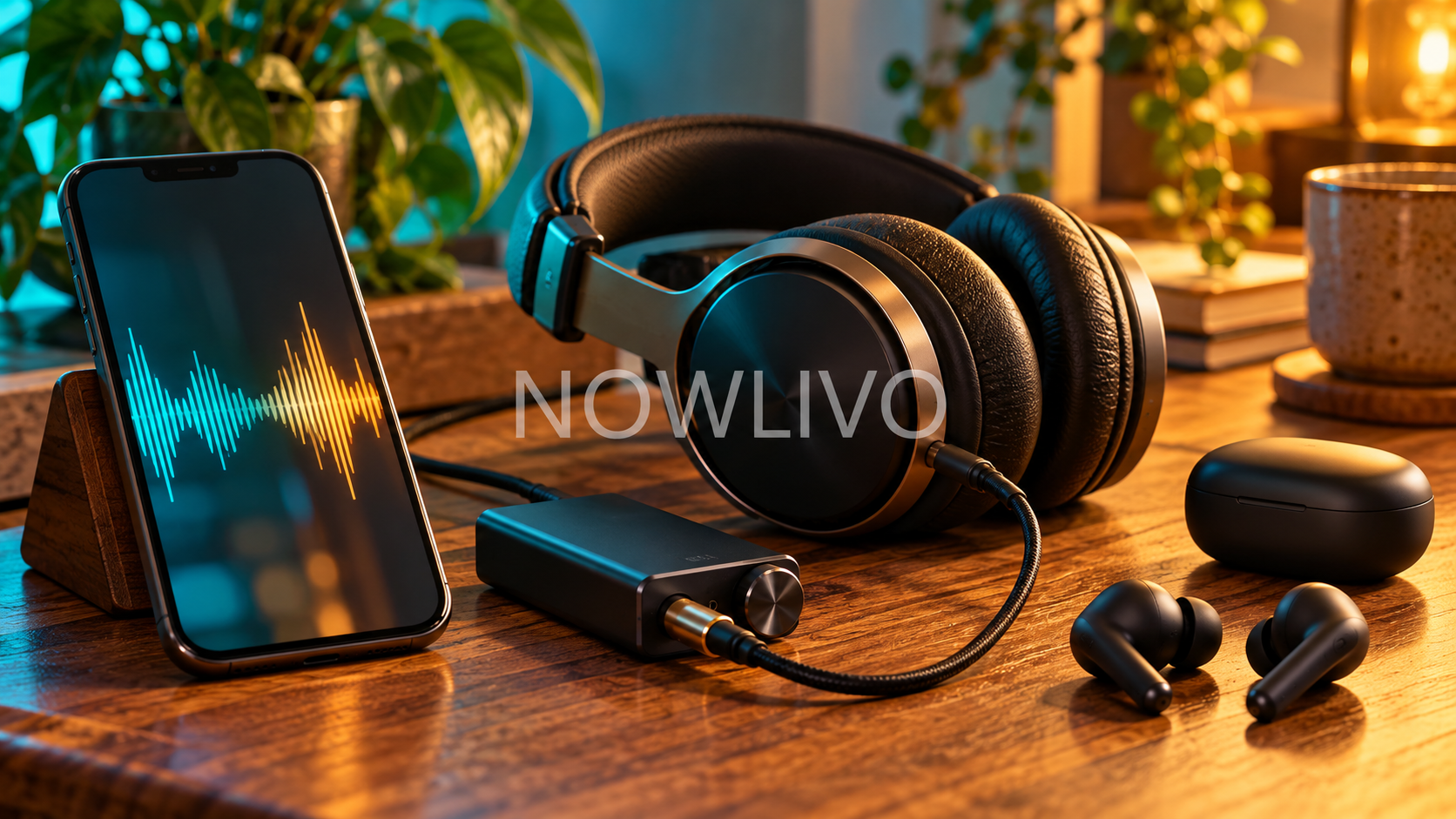
Spotify lossless can play through Bluetooth headphones, but that does not automatically mean the wireless connection preserves the audio without loss. Your phone, headphones, connection and settings all need to support the same playback path.
For most listeners, the useful question is whether every step between the music file and your ears can handle it. Here is how to check your setup before buying anything new.
What the lossless label actually tells you
Lossless describes a music file that preserves its audio data through compression. A streaming app can deliver that file to your phone, then the phone can compress it again for a Bluetooth connection. Those are two separate stages.
Spotify’s support guidance lists connection type and device compatibility among the factors affecting lossless playback. Its lossless music reaches up to 24-bit/44.1 kHz, but the service also says the audible difference will vary.
Can Bluetooth ever carry lossless audio?
Some compatible combinations can. Qualcomm offers aptX Lossless within Snapdragon Sound, with performance depending on supported features and wireless link quality. That does not give every Bluetooth product the same capability.
Check both ends of the connection. Headphones supporting a codec cannot make a phone transmit it if the phone lacks support. Likewise, a phone’s capabilities cannot upgrade an incompatible headset. A newer Bluetooth version number alone does not establish lossless support.
Check these four things first
- The music setting: In Spotify, open your profile, Settings and privacy, then Media quality. Select Lossless for the listening situations you want, where the option is available.
- The phone or computer: Look for the manufacturer’s supported audio codecs, rather than relying on a retailer’s general Bluetooth description.
- The headphones: Check the exact model and its supported connection modes. Similar product names may describe different hardware.
- The active connection: If your device offers a codec or quality indicator, check it while music is playing. Supported and currently active are different things.
Wired audio is a practical alternative
A compatible wired connection avoids Bluetooth recompression. Depending on the phone and headphones, that might mean a headphone socket, a USB audio connection or a USB digital-to-analog converter, usually called a DAC.
Do not assume every USB-C cable carries headphone audio: some ports are for charging. Check the product’s playback instructions. NOWLIVO’s coverage of Bose’s wired noise-cancelling earbuds explores another reason cables still appeal to listeners.
Try a listening comparison before spending money
Choose a song you know, keep the volume consistent and compare the available quality settings in a quiet room. Listen for instrument separation and quieter details, rather than assuming the louder version is better.
A useful example: someone listening on a busy train may benefit more from a comfortable fit and good isolation than from changing file quality. At home, the same person may prefer a compatible wired setup. The best choice can change with the listening environment.
Why you might not hear a difference
The recording, headphones, background noise and your hearing all shape the result. Lossless is a technical property, not a promise of a dramatic improvement with every song. If playback buffers, Spotify recommends checking the connection or lowering quality.
Start with the equipment you already own. Confirm the settings, check compatibility and compare calmly. Buy new hardware only when you can name the missing capability you want it to provide.