Masked Aadhaar vs Biometric Lock: What Each Privacy Feature Does
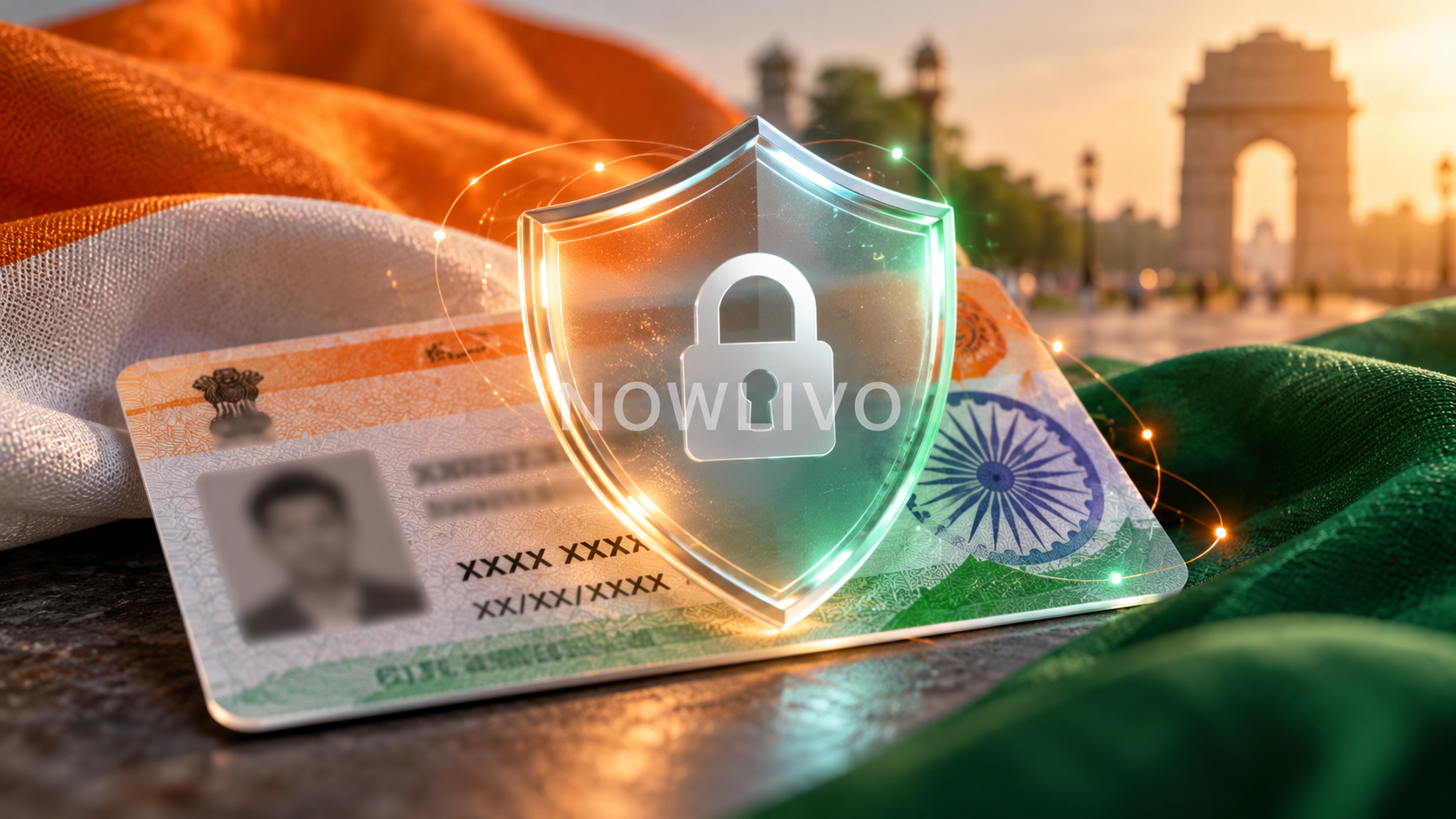
Masked Aadhaar hides the first eight digits of the Aadhaar number while showing the last four. Biometric locking prevents Aadhaar authentication through fingerprint, iris and face while the lock is active. One changes the visible document; the other controls an authentication route. They address different privacy problems.
Masking limits the number visible on a copy
A masked copy can be useful when a recipient needs identity information without a fully visible Aadhaar number. It still contains personal information, so it should be shared deliberately. Masking does not make a document anonymous.
Before sending it, ask which identity document the process accepts and whether a masked version meets the requirement. Avoid editing digits yourself and presenting the result as an official masked download. Use the download option offered by the official Aadhaar service.
Biometric locking changes authentication
With biometric locking enabled, fingerprint, iris and face authentication are blocked. You can temporarily unlock biometrics when a legitimate process needs them, or disable the locking system through the supported flow. A registered mobile number is important for access to the online service.
This control does not hide information already printed on a copy you shared. Equally, sharing a masked copy does not enable or disable the biometric lock. Treat document sharing and authentication settings as separate checks.
Plan for a legitimate verification visit
If a planned service requires biometric authentication, check your lock status before the appointment. A failed biometric attempt can reflect the lock rather than a faulty reader or a damaged Aadhaar record.
- Confirm the service and required verification method.
- Use the official lock or unlock flow yourself.
- Check the resulting status.
- Review your settings after the verification is complete.
Use the smallest useful disclosure
For a routine application, start with the receiver’s actual requirement rather than sending every identity file you have. Keep copies out of public chats and avoid giving a caller account access to “fix” a lock.
Aadhaar number locking is another, separate service with its own procedure. Do not treat similar labels as interchangeable. Read the exact service description before changing a setting, especially if you need an authentication process to work soon.
Read next: choosing the correct DigiLocker document.