UPI Lite Autopay: Why Your Bank Is Debited and How to Stop Top-Ups
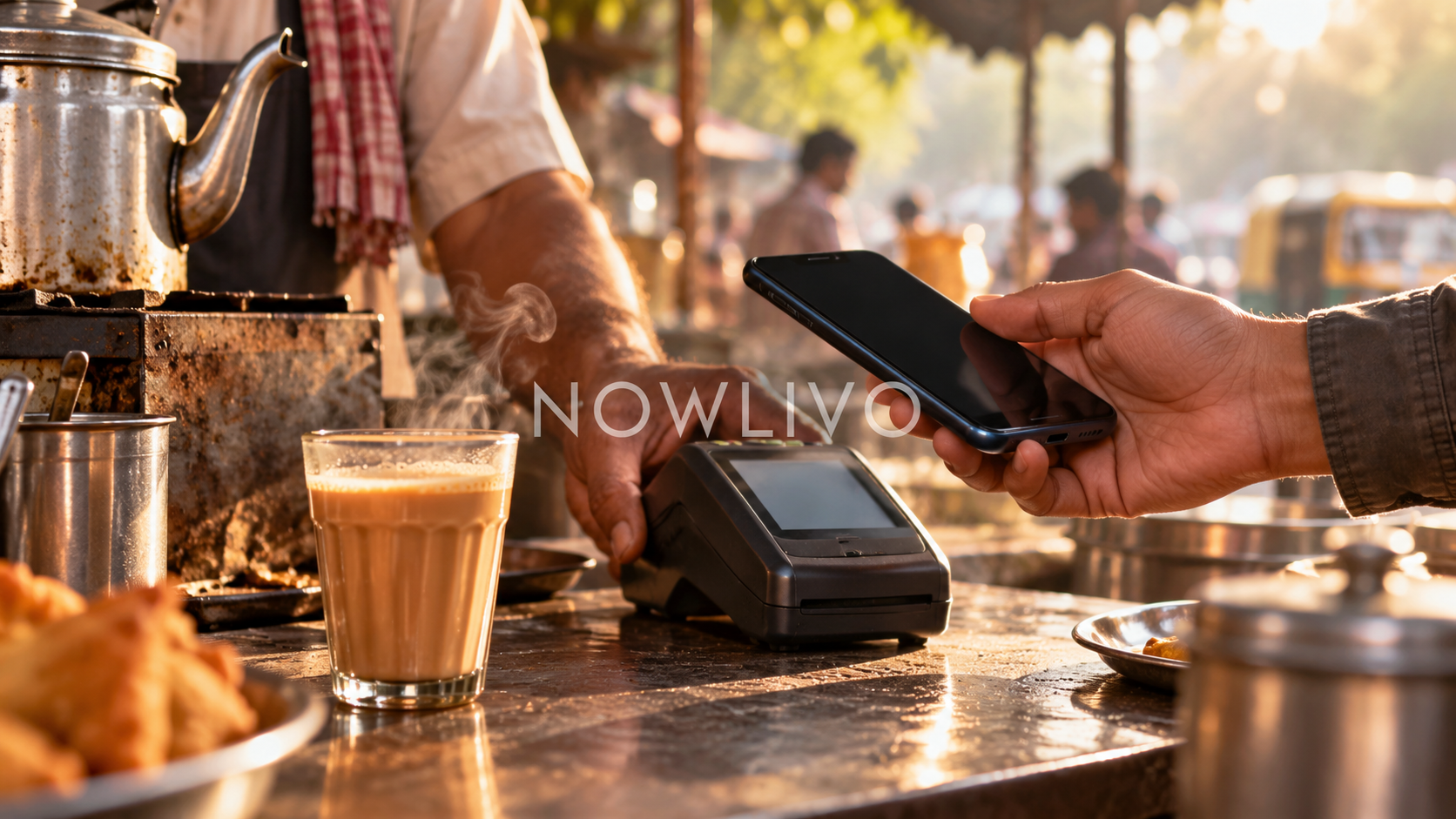
A UPI Lite Autopay debit can be a refill of your Lite balance rather than a fresh purchase. The feature adds money when the balance falls below the selected threshold. To stop automatic refills, manage the Autopay mandate in the payment app; simply spending less or closing the app does not explain whether the mandate remains active.
Separate the refill from the payment
Look at both the bank statement and the app’s Lite history. A refill moves money into the balance used for eligible small payments. The shop purchase and the refill can therefore appear as different events.
For example, buying tea may lower the balance enough to trigger a top-up. Seeing a larger bank debit after that purchase does not by itself mean the tea seller charged the larger amount. Match the date, mandate description and balance change before drawing that conclusion.
Where Google Pay puts the controls
In Google Pay, open the UPI Lite section and choose Manage, or open your profile and Autopay. The supported controls include pausing, resuming and cancelling Lite Autopay. Follow the confirmation steps inside the app; the help instructions require your UPI PIN to complete these changes.
Menu labels can differ by version. If the mandate is not where expected, inspect the app’s Autopay list and confirm which bank account and app created it. Do not assume a mandate created elsewhere will be managed from this app.
Pause and cancellation solve different problems
A pause is useful when you want a temporary break, such as while reviewing spending. Pay attention to the date on which the pause ends. Cancellation is the clearer choice when you no longer want that automatic refill arrangement.
- Read the mandate’s status after making the change.
- Keep the confirmation for your records.
- Check subsequent activity against the effective change.
- Use the app’s support route for an unrecognised debit.
Choose a refill around daily use
A convenient top-up can also make small purchases less visible in your bank transaction list. Review the Lite history as well as the bank statement when making a household budget.
If you cannot identify the debit as your own mandate, contact the bank or payment provider promptly through its independently verified support channel. Enter a UPI PIN only in the legitimate app flow you initiated. A caller does not need your PIN to explain a transaction.
Read next: how UPI Circle delegation differs from sharing a balance.