Selling Your Old Phone in India? Protect Your Data Before Handover
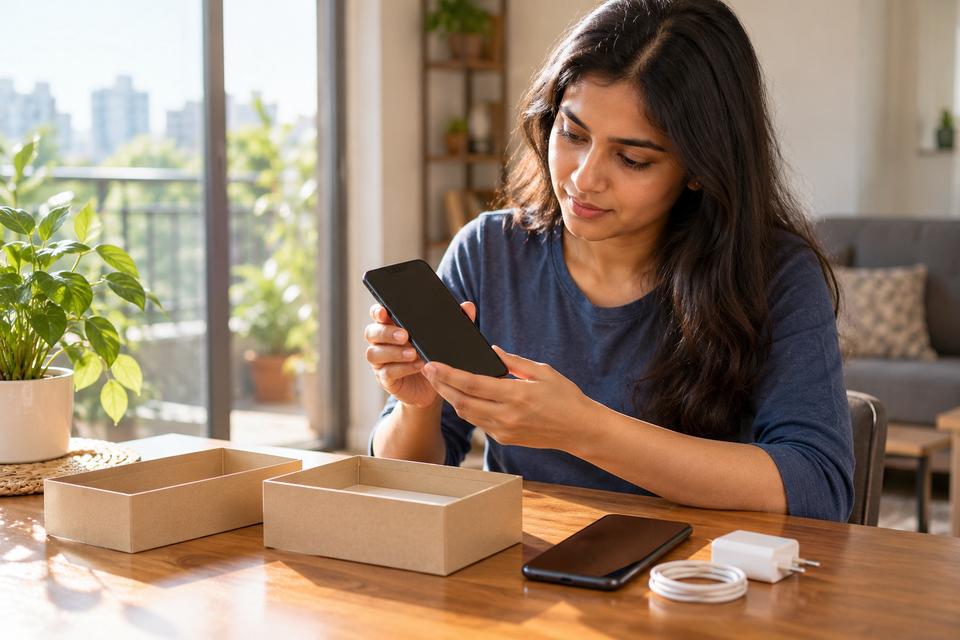
Selling a phone is easy to describe as a trade: the buyer pays, and the handset changes hands. But a smartphone is also a collection of photographs, messages, saved accounts, identity documents and access to financial services. The important part of preparing an old phone for sale is therefore not polishing its screen. It is making sure you can still access everything you need after the phone has been erased, while the next owner cannot access your personal information.
This guide is for people in India selling, exchanging, donating or passing on an Android phone or iPhone. It separates three tasks that are often confused: copying your information, disconnecting your accounts and number, and erasing the device. A factory reset is the final stage, not the first. Menus vary by phone model and software version, so use the manufacturer’s instructions when a setting looks different.
First, decide what must survive the handover
Before touching the reset button, make a list of the things you would be upset to lose. Photographs and contacts are obvious, but the harder items are often less visible: locally stored voice recordings, files downloaded from messaging apps, two-factor authentication codes, notes stored only on the device, and the login method for a bank or work account. Some apps deliberately do not include sensitive data in ordinary phone backups.
Use the replacement phone, a computer or a trusted cloud account to confirm that your important material is accessible. Seeing a ‘backup complete’ message is helpful, but testing a restore or opening representative files is better. Open several older photos, find a saved contact, check a document and confirm that the account used for the backup is one you can sign in to. If a family member will receive the old phone, the privacy steps are the same as for an unknown buyer.
Make a backup you can actually use
On Android, review the device’s backup settings and any separate photo, messaging or manufacturer backup services. Google explains that a factory reset removes data from the phone, while information already stored in a Google Account may be restored later. That does not mean every app’s internal data will reappear automatically. If you have a removable microSD card, check whether files were stored there rather than in internal storage.
On iPhone, create a current backup or complete the supported device-to-device transfer before erasing the old handset. Apple’s official handover instructions start with a backup and transfer, not with deleting photographs. If the replacement phone is already working, compare a few items on both devices rather than assuming that a transfer copied everything. Keep the old phone available until you have confirmed the essentials.
For either platform, check your photo service separately. A cloud photo library is a synchronized collection, not always a second independent archive. Deleting photos while you are signed in can delete them from the cloud and other connected devices. Apple’s guidance explicitly warns against manually deleting iCloud-synced items as a way to clean the old phone. The safer route is to verify the backup, then use the proper sign-out and erase procedure.
Move authentication and banking access before the reset
An old phone may be the only place you can approve a login. Open the authenticator apps you use and check their supported transfer or recovery method. Some offer cloud synchronization; others require a transfer process or backup codes. Do not assume that reinstalling the app will recreate the same codes. If you have work-managed access, ask the administrator how to enroll the new device before you remove the old one.
Next, verify that banking, UPI, email and password-manager access works on the replacement phone. You may need to re-register a bank app, verify your mobile number or wait for security checks. A reset performed too early can turn a simple upgrade into a lengthy account-recovery exercise. Never share an OTP, banking PIN, recovery code or account password with a buyer or trade-in agent, even if they say they need it to ‘test’ the handset.
Handle your SIM, eSIM and phone number deliberately
A physical SIM card is not part of the phone’s resale value. Remove it before handover, along with any removable storage card. If you are keeping your number, arrange to use that SIM in the new phone or follow your operator’s approved SIM or eSIM transfer process. A number used for banking or account recovery deserves particular care: losing access to it can prevent you from signing in elsewhere.
An eSIM is different because there may be no physical card to remove. Make sure the number is active on your replacement device or that your operator has confirmed the migration before erasing the old profile. When erasing an iPhone, Apple advises people selling an eSIM-equipped device to choose the option that erases the eSIM profile as well. Android eSIM behavior and reset prompts differ by manufacturer, so check the handset’s own instructions. Do not hand over a phone while your number remains usable on it.
Android: remove accounts, then reset from Settings
For an Android phone, first sign out of sensitive apps as needed and remove your Google Account and any manufacturer account that might tie the phone to you. This is not just about privacy. Android’s Factory Reset Protection can require the previous owner’s credentials after an improperly prepared reset. Manufacturer guidance, including Motorola’s, explains that removing the account and screen lock before a handover helps prevent the next owner being locked out.
Then use the phone’s Settings-based factory reset, not an improvised sequence of recovery-menu buttons. Google’s Android Help explains that the reset erases local data and recommends backing up first, confirming your account credentials, and following device-specific instructions where menus differ. Charge the handset sufficiently and keep it connected as required. If the phone has a separate work profile, contact the organization managing it before resale; an employer-owned or managed device may not be yours to transfer.
After the reset, allow the phone to reach the initial welcome or setup screen. Do not sign back in with your own account to demonstrate it to the buyer. If it asks for your previous account during initial setup, stop and resolve the lock while the device is still in your possession. A seller who cannot remove their own account should not promise that the buyer can ‘fix it later’.
iPhone: sign out and erase the correct way
For iPhone, follow Apple’s current What to do before you sell, give away or trade in your iPhone or iPad instructions. The sequence includes backing up, transferring information, dealing with paired accessories such as Apple Watch where applicable, signing out and using Erase All Content and Settings. Apple states that this erase process also turns off Find My and Activation Lock. It may ask for your Apple Account credentials, and security features can introduce a delay in some situations.
Do not manually clear contacts, calendar entries or photos from an iPhone that is still connected to iCloud. As Apple explains, those deletions can propagate to the cloud and other devices. Also check whether an eSIM profile should be removed, whether a repair must be completed for a trade-in, and whether a device management profile belongs to an employer or school. A clean welcome screen is the goal; the next owner should not inherit your Apple Account.
Check the reset result, not just the progress bar
When the reset completes, verify the device starts at its normal setup screen and does not show your wallpaper, photos, messages or signed-in accounts. If you can, confirm that a buyer can begin setup without being asked for your personal account credentials. Do this without providing your password to a stranger. For a device with unusual firmware, an old Android version or a failed reset, consult the manufacturer rather than assuming that one button press guarantees the same outcome on every model.
If you already handed over the phone without resetting it
Act quickly, but distinguish account security from device erasure. From a trusted device, change passwords for important accounts if you believe the old phone remains signed in, revoke sessions using the account provider’s device-management tools, and contact your mobile operator if the SIM or eSIM was included. Review financial-account activity and report suspicious transactions through the appropriate bank or official reporting channel. A remote erase may be available only if the device was previously configured for that feature and remains reachable; it is not guaranteed to work.
A practical handover checklist
Before leaving the meeting or trade-in counter, you should be able to answer yes to these questions: Are my important files accessible elsewhere? Have I moved authenticators and banking access? Is my number safely transferred? Are my accounts disconnected from the old phone? Has the correct factory reset finished? Does the device show the welcome screen? Have I removed SIM and memory cards? Do I have a private record of the transaction and a confirmed payment?
A phone that has been wiped correctly can have a useful second life. The point is to pass on the hardware, not your identity. Taking a little extra time with the backup and account-transfer stages is usually easier than trying to recover access after the device has gone.
Common questions
Is deleting photos and apps enough before selling a phone?
No. Deleting selected files can leave accounts and other information behind, and deleting cloud-synced files may affect other devices. Back up, sign out and use the supported erase procedure.
Can I sell a phone while my Google or Apple account is still attached?
That creates privacy and activation-lock problems. Remove the account using the official device-specific steps and confirm the next owner can begin setup.
Should I leave my SIM card in for the buyer?
No. A personal SIM or active eSIM profile should not be transferred with a second-hand phone unless you are intentionally transferring the number through your operator’s authorized process.
Does a factory reset guarantee every old device is safe to sell?
It is the standard supported method, but results depend on the device and whether the reset completed. If an older, damaged or managed handset cannot be properly erased, seek manufacturer guidance or use a responsible recycling route rather than handing over accessible personal data.
Sources and maintenance note
Reviewed 29 October 2026 against Android Help’s factory reset guidance, Apple’s pre-sale checklist, Motorola’s account-removal guidance and the US Federal Trade Commission’s device-disposal checklist. Recheck manufacturer menus, eSIM instructions and security-feature behavior when updating this guide.