ZEE5 Clips turns movies and shows into vertical previews, with a path to the full title
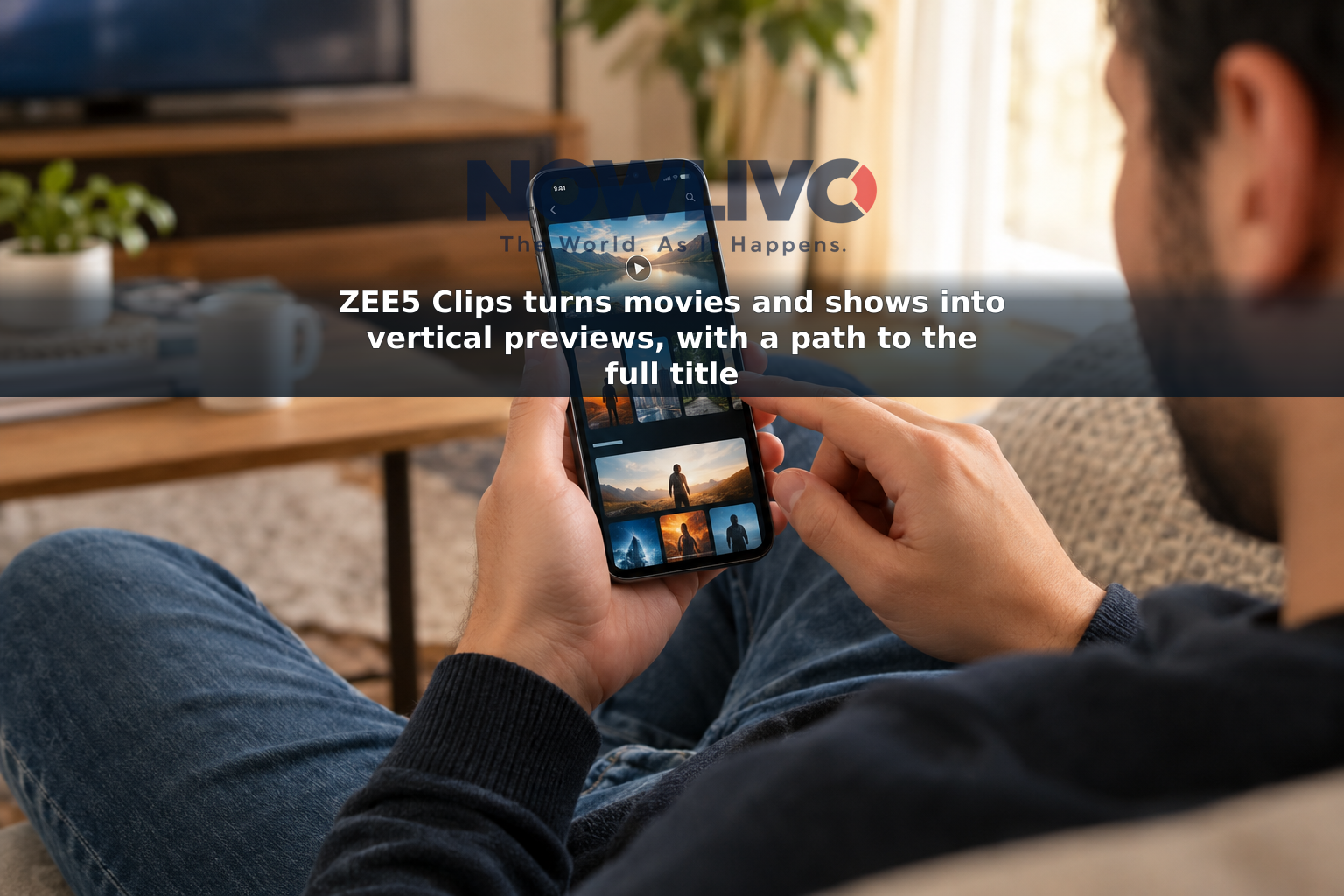
ZEE5 Clips is a swipeable feed of short, vertical previews drawn from longer movies and shows on the streaming service. Viewers can sample a scene and move directly to its full-length title if they want to watch more. ZEE5 and Google Cloud developed the AI system that selects and packages the scenes, but ZEE5 has not published a country-by-country or device-by-device availability list for the feature.
How does ZEE5 turn a longer title into a Clip?
Rather than making a separate trailer for every movie or show, ZEE5 processes titles already in its catalogue to find moments that may work as brief previews. Its system combines Google Cloud’s Gemini models with multilingual speech-processing tools, Cloud Vision API and image-processing models. Together, those tools help identify portions of a longer video and convert them into the upright format used in the Clips feed.
For the viewer, the result is a quick look at an actual moment from a program, not a condensed version of its whole plot. Swiping through the feed offers another way to encounter a title that might be missed while browsing posters, descriptions or search results. The AI is used to select and prepare the excerpts; ZEE5 has not said that it generates replacement scenes or new performances for Clips.
Zee Entertainment Enterprises’ chief technology officer, Pramod Prakash, said the company had generated about 13,000 Clips from 1,200 titles when it discussed the feature on October 5, 2026. That figure shows the scale of the work so far, not that every title in the ZEE5 catalogue has a Clip. The companies have described movies and shows as the source material; they have not confirmed that live sports, music videos or every other type of ZEE5 programming is supported.
Can a viewer go from a Clip to the full program?
Yes. The feature is intended to connect an excerpt to the movie or show it came from, so a viewer can leave the short-video feed and open the corresponding full-length title. Clips is a discovery tool, not a separate collection of complete programs or a way to watch an entire movie in short segments.
Opening a title is distinct from having the right to stream it. Whether someone can play the full movie or show may depend on that title’s availability in their location and the access required by their ZEE5 plan. ZEE5 has not announced that watching a Clip removes a subscription requirement for the underlying program.
Where is Clips available, and what can viewers expect to find?
ZEE5 has described Clips as an active feature and said early viewing behavior shows people moving from excerpts to full-length content. It has not released conversion figures that would show how often that happens. More importantly for someone trying to use it, the announcement does not identify a universal rollout date, supported app versions, a precise place to find the feed in the interface, or a list of countries where Clips appears.
That matters for viewers outside India: the availability of ZEE5 itself in a country does not establish that its Clips feed is available there. Someone who does not see Clips in their version of the service should not assume it is accessible through every ZEE5 app, website or television interface. Nor should an older “Clips” label beside a show’s existing scene videos be taken as confirmation that the new AI-powered, swipeable experience is present.
The clearest practical distinction is between what ZEE5 has confirmed and what it has not. Clips draws vertical previews from selected movies and shows, and a viewer can use one to reach its full title. ZEE5 has not said that all titles are included or guaranteed access for viewers in every market.