Why Bluetooth Headphones Sound Muffled When the Microphone Turns On
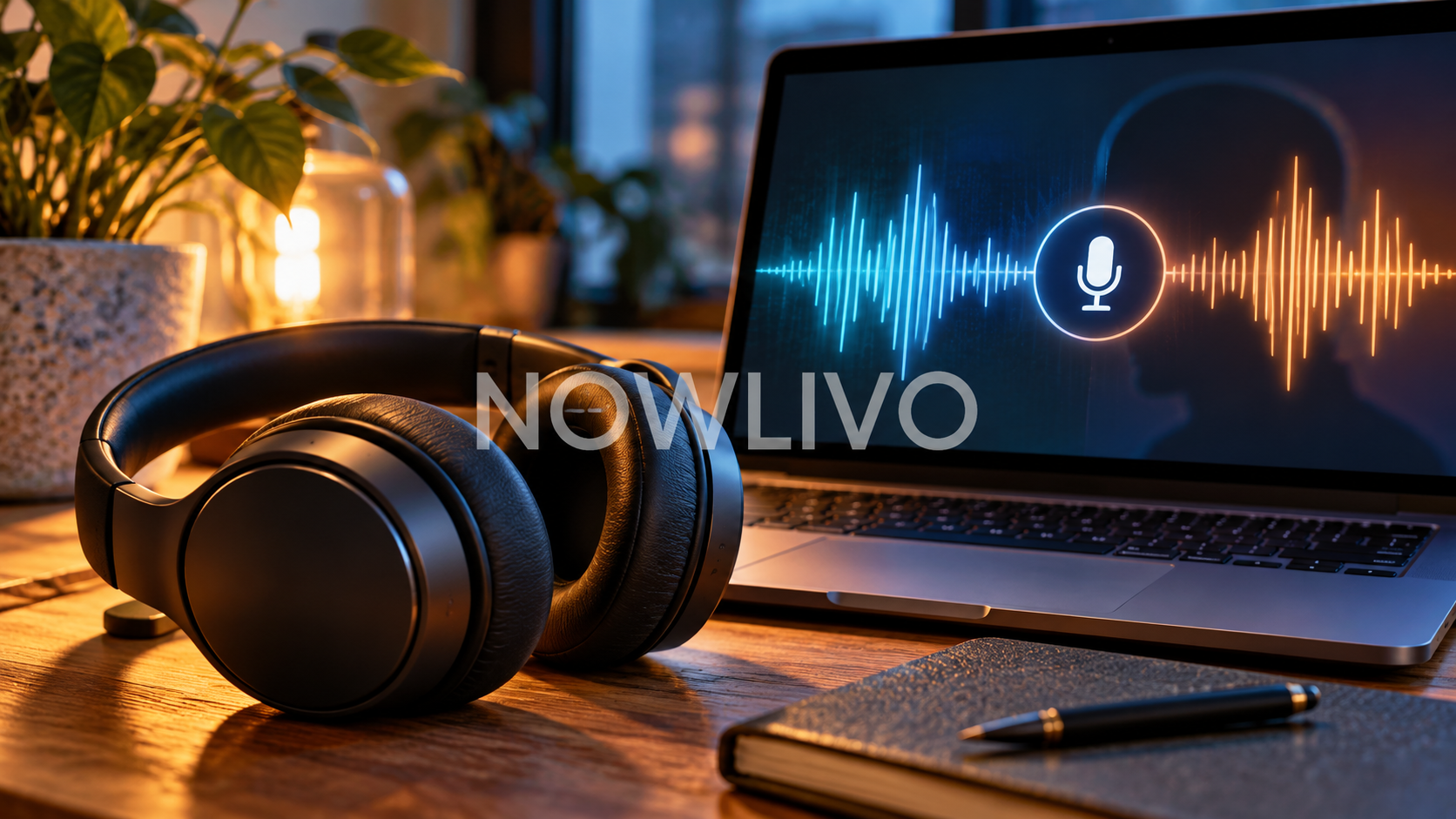
If your music sounds clear until a call starts, the headset microphone may be the reason. Some Bluetooth setups switch audio modes when an app needs both the microphone and headphone output. The result can be quieter, thinner or muffled playback, even though the headphones have not broken.
What changes when the microphone starts
A Bluetooth connection used only for listening can behave differently from one carrying speech in both directions. On affected setups, activating the headset microphone reduces playback quality. The computer, headset and connection all influence what you hear.
This is especially easy to notice with music playing behind a video meeting. A stereo track may suddenly sound like it is coming through a telephone.
Check which microphone the app selected
Open the meeting app’s audio settings and look at its input device. If it names the Bluetooth headset, try the laptop microphone or a separate USB microphone while leaving the headphones selected as the output.
Use a private test call before an important meeting. Listen to the same familiar passage before and during the microphone test. Changing one setting at a time makes the cause easier to identify.
An app can keep the microphone active
Leaving a call does not always close every app that uses audio input. A recording app, browser tab or sound-settings window may still have the microphone open.
On a Mac, close apps using the headphone microphone, including the relevant sound-settings window. If playback does not recover, switch the output to the computer speakers and then select the headphones again.
Choose a setup around the job
For calls, intelligible speech matters more than the richest music playback. For editing audio while speaking, using a separate microphone can avoid relying on the headset for both jobs.
A wired connection is another option when your devices support it. Test that route too: a cable changes the connection, but it does not automatically fix an incorrectly selected input.
When to investigate something else
If the sound is poor even with every microphone app closed, check the source recording, output volume, connection stability and audio effects. A repeatable change at the moment the microphone activates points toward the call setup; constant distortion needs a broader check.
Buying another headset before this test can leave you with the same problem on the same computer.
Quick check
- Identify the active microphone.
- Test a separate input with the same headphones.
- Compare playback before and during a call.
Read next: how to check Spotify lossless with Bluetooth.