Spatial Audio vs Head Tracking: What Changes When You Move?
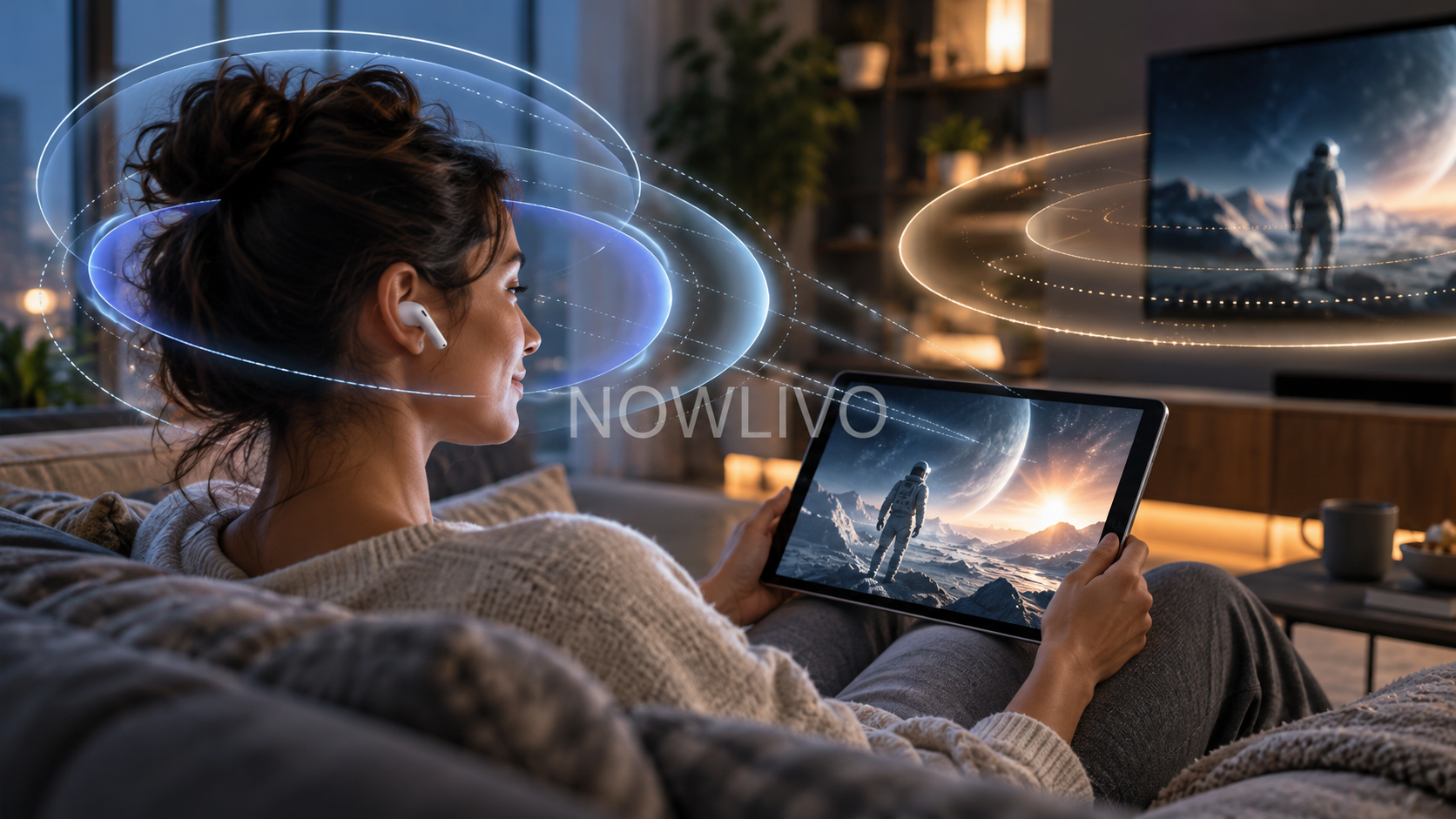
Spatial audio creates a sense that sound has positions around you. Head tracking adds a response to movement: turning your head can change how that sound is presented. You can have a spatial listening effect without choosing head tracking, so the two terms should not be treated as interchangeable.
Spatial sound is the listening effect
A spatial mix can place dialogue, instruments or effects across a wider apparent space. The impression depends on the recording, playback app, headphones and your own hearing.
A spatial setting does not prove that the source was recorded as a surround mix. Some systems can also process stereo audio to create a spatial effect.
Head tracking changes the reference point
With compatible head-tracked playback, movement can make the sound feel connected to a screen or another reference rather than simply turning with your head. Watching a film while looking away briefly is a useful way to notice the difference.
The supported combination matters. Having compatible earbuds alone does not guarantee that every app, device and piece of content offers the same experience.
What Off, Fixed and Head Tracked mean
On supported Apple setups, Off disables the spatial effect, Fixed keeps spatial playback without following head movements, and Head Tracked adds movement tracking. The available control can vary with the audio you are playing.
Start playback before checking the setting. A missing option during an unsupported activity is not enough evidence that your earbuds are faulty.
Compare using one short scene
Choose dialogue with a clear central voice and a few background sounds. Keep volume comfortable and unchanged, then compare the available modes. Turn your head slowly rather than judging only while facing straight ahead.
Ask two separate questions: can you understand speech easily, and do movements feel natural? An effect that impresses you for ten seconds may still be distracting during a full episode.
Choose the mode you prefer
Fixed playback can suit listeners who want a broader sound without movement effects. Head tracking may feel more convincing with compatible video. Off remains a sensible choice when you prefer the original presentation.
Spatial processing is separate from lossless delivery. A track can have one feature without the other, and neither setting should substitute for checking your actual playback path.
Quick check
- Check the supported app and device.
- Compare Off, Fixed and Head Tracked where available.
- Judge speech clarity as well as the effect.
Read next: Spotify lossless playback explained.